Add Twinprice.
Install the free extension from the Chrome Web Store or Firefox Add-ons.
 twinprice.com
Get Twinprice
twinprice.com
Get Twinprice
A LITTLE CLARITY FOR YOUR CART
Twinprice is a free currency converter extension for Chrome and Firefox. See converted prices beside the originals while you shop, or highlight one price and click “Convert selection.”
Free to install. No account needed. Read the getting started guide.
HOME & LIVING
A little light. A better workspace.
TwinpriceONE PRICE IS ALL YOU NEED
Highlight a price and click the blue Convert selection button that appears beneath it. The same button turns green and shows your result.
Animated demonstration · Example rate: €1 = $1.10.
01 / GET COMFORTABLE
Set your currency once.
Bring a little less mental math to your next browse.
Install the free extension from the Chrome Web Store or Firefox Add-ons.
Choose the currency you know. Let AUTO detect the original, or select it yourself.
Open a shopping page and convert its prices. Enable automatic conversion for the sites you choose.
02 / YOUR BROWSER, A LITTLE BETTER
All the context you need.
Right next to the price you're looking at.
Keep the original price and its conversion together. Get your bearings without opening a calculator or another tab.
Turn on automatic conversion for the sites you choose. Twinprice remembers your source currency or AUTO mode for each one.
Choose converted-price colors and shapes, with a live preview. Keep the originals beside them or show converted prices in their place.
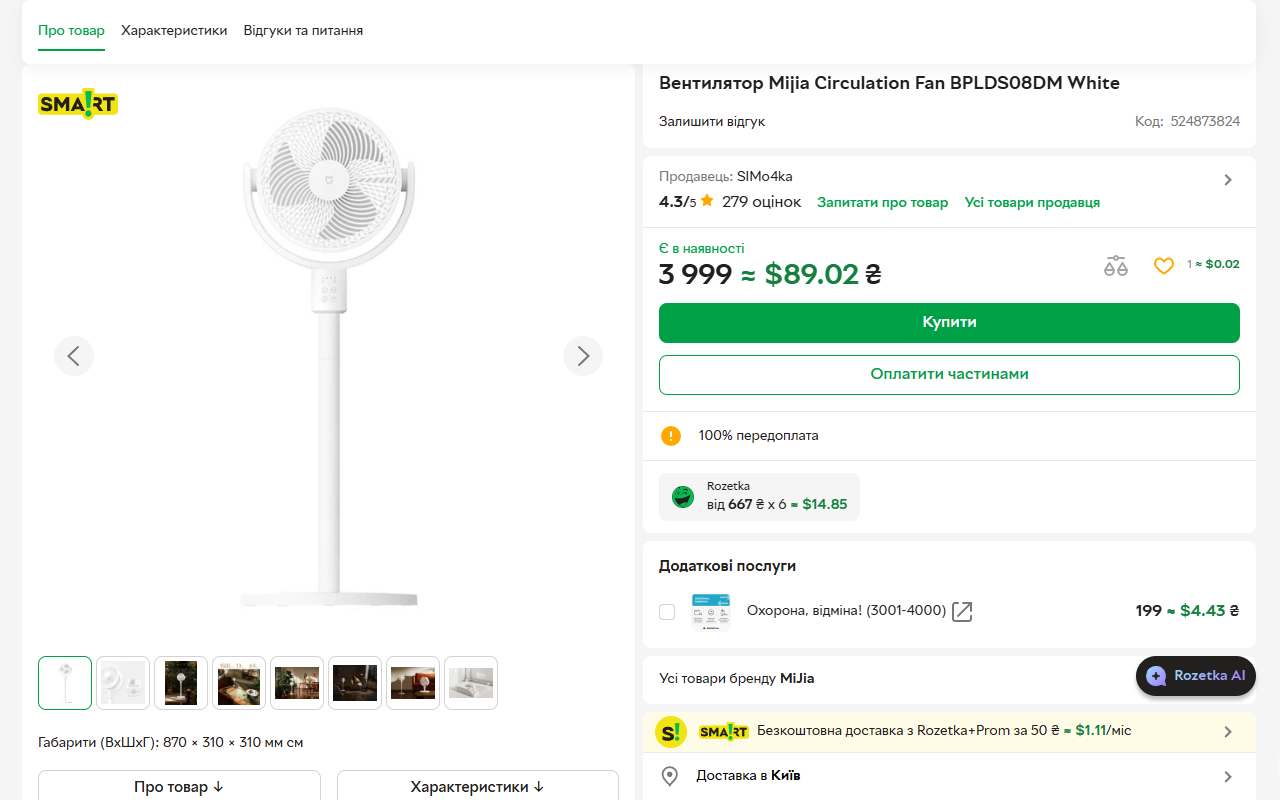
Highlight a price with its currency, then click Convert selection beneath it. Get a conversion for just the price you need. You can also convert a whole page or type an amount into the extension.
03 / BUILT WITH PRIVACY IN MIND
Twinprice reads prices where they are: in your browser. Your shopping pages don't need to go anywhere else.
Read the full privacy policyPrice detection and page changes happen on your device. Page contents, price values, and visited URLs aren't sent to the rate provider.
Exchange-rate requests to Frankfurter include currency codes. As with other internet requests, the service can receive network details such as your IP address.
Webpage access lets the extension find supported prices and offer conversion. Turn off the converter to stop scanning, prompts, and automatic conversion.
Follow the step-by-step user guide for page and selection conversion. Its shopping examples explain euro-to-złoty conversion, ambiguous dollar signs, and differences at checkout.
Yes. Twinprice is free to install and use, with no account required. The extension is open source and has no advertising or analytics trackers.
Twinprice is available for Chrome and Firefox. Search currencies by name or code in the extension. Manual conversion uses Frankfurter's active currency catalog; AUTO detection uses a smaller, curated set. Available currency pairs depend on the rate provider.
Yes. Highlight a supported price, including its currency symbol or code (for example, €89), then click the blue “Convert selection” button beneath it. The button turns green and shows the result in your preferred currency. You can also right-click the highlighted price and choose “Convert selected currency.”
It works with supported price text on ordinary webpages, including many prices added as you browse. Prices in images, inaccessible frames, and some unusual layouts cannot be converted. Browser settings pages and extension stores are restricted. If the source currency is unclear, choose it manually in the popup.
Twinprice uses Frankfurter reference rates for convenient comparison. Your bank, card provider, or payment service may use a different rate and add fees. Recent cached rates can be used when fresh rates aren't available; the extension warns after 48 hours and won't use rates more than seven days old. This website's demo uses fixed example rates.
Yes. Choose “Restore original prices” in the popup after converting. Under Page options, turn off “Convert this site automatically” to forget that site's automatic settings. Turn off “Enable converter” to stop scanning, prompts, and automatic conversion everywhere.
LESS MENTAL MATH. MORE WINDOW SHOPPING.
Add a familiar price to your next find.
Free to install. No account needed. Product facts and publisher details.